CPAP Runtime from a Portable Power Station
Plan CPAP backup power from the exact device, therapy configuration, approved power path, measured energy, and provider guidance.
A CPAP runtime estimate is useful only after you identify the exact machine and how it is configured. The model, prescribed settings, humidifier, heated tubing, mask leak, environment, and power supply can all change energy use. A machine’s adapter rating is a supply limit, not a promise that the device draws that much continuously or that a battery will last for a specific number of hours.
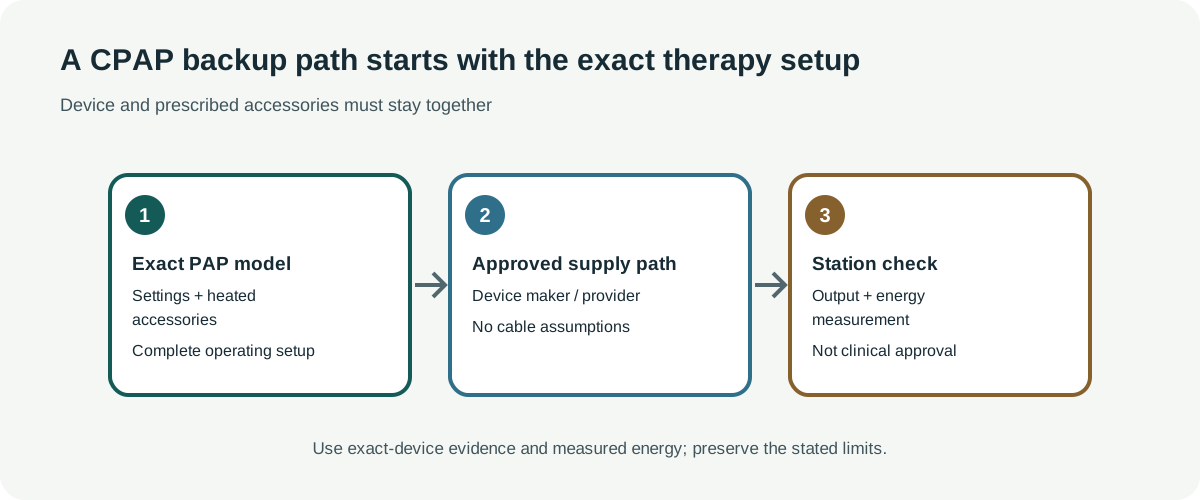
Start with the exact device and accessories
Write down the device model and variant, its power-supply model, whether humidification and heated tubing are used, and how long the planned session lasts. Do not transfer numbers between AirSense, AirCurve, AirMini, and Philips DreamStation products. A travel device may have a different power profile and accessories from a full-size machine.
ResMed’s AirSense 11 guide, for example, lists a 65 W supply, 100–240 V and 50–60 Hz input, a 24 V / 2.71 A supply output, typical consumption of 56.1 W, and maximum consumption of 73.2 W under its stated test context. The values are not a measured night of therapy. The manufacturer also identifies a specific Air11 DC/DC converter; its voltage and plug do not make an arbitrary station cable compatible.
Philips’ DreamStation 2 manual describes a separate device-specific 12 V accessory path using Philips Respironics components. It also says an 80 W supply is required to support humidification. That requirement does not mean the unit continuously draws 80 W, and it does not approve a third-party station or cable. Check the manual for your own machine and market.
DreamStation Go uses a different optional Philips battery pack. Its manual lists 62 Wh, an 18–24.6 V DC output range, a 50 W maximum continuous output, a recharge time under five hours, and a battery runtime specification above eight hours. The device’s battery indicator describes about eight hours under settings, mask-leak, and environmental conditions; neither figure is a guarantee for an individual therapy night. The manual also documents a UPS mode with the battery attached to the device and connected to AC. That accessory-specific mode does not establish compatibility or transfer behavior for a third-party power station. See the DreamStation Go backup guide for the separate checks.
Philips’ PAP Battery Kit is a separate accessory profile: Philips limits it to supported DreamStation and System One 50/60 series equipment and compatible Philips supplies. The product page lists a 90 W battery-pack rating, 3–4 hour recharge, and a 14-hour test at CPAP mode, 10 cm H₂O, without heated humidification or heated tubing. The 90 W label is not 90 Wh, and that qualified test is neither a station result nor a guarantee for another therapy setup. Its integrated UPS arrangement applies to the supported Philips equipment and does not approve a third-party station. See the Breas Z1 guide for the separate legacy Z1 and PowerShell limits.
AirCurve 10 ASV and AirCurve 11 have their own supply and consumption profiles. The cited guides list 53 W typical / 104 W peak for AirCurve 10 ASV and 65.3 W typical / 103.4 W peak for AirCurve 11. The AirCurve 11 guide describes its 90 W AC supply and DC-DC converter, and allows a 65 W AC adaptor with a humidifier-performance caveat when mouth or mask leak is present. Those device-specific values are not measured therapy-night energy. See the AirCurve backup guide; do not substitute one AirCurve model’s data for another.
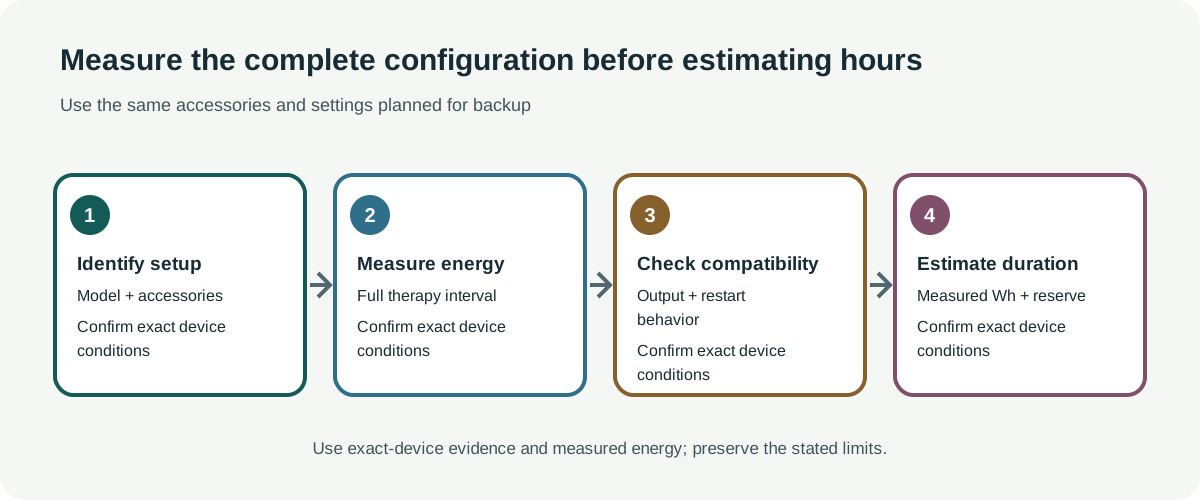
Measure the complete setup
Use the manufacturer’s approved AC or DC power path and measure watt-hours over the planned session under the prescribed therapy settings. Include the humidifier and heated tube if you will use them. If you only have a supply rating or typical and peak figures, do not convert those directly into watt-hours for the night. A peak value is not a session average.
For a measured session, compare its energy with the station’s usable energy at the same output path. Account for the station’s conversion losses when the measured device-side energy does not already include them. Leave a reserve for battery age, cold conditions, setup changes, and uncertainty. The station must also sustain the device’s input without shutting down or interrupting therapy. Test the complete setup in advance according to the equipment provider’s directions.
Medical escalation comes before arithmetic
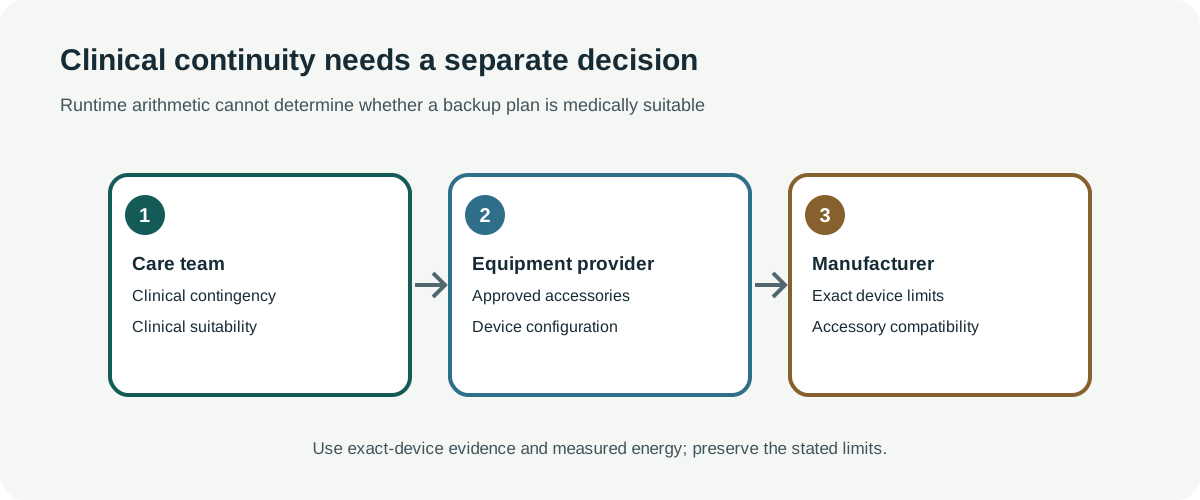
A runtime estimate is not a clinical continuity approval. Ask the treating provider and equipment supplier what backup duration and power path are appropriate for your treatment. Do not change therapy, pressure, humidification, or heated-tube settings to save energy without provider guidance. A station’s display, calculated runtime, or automatic restart feature does not establish uninterrupted therapy or clinical safety.
Have a separate contingency plan for an outage, including another approved power source or a way to obtain support if the station fails. Confirm which alarms remain available during the intended power arrangement. If a device or accessory is prescribed as essential, do not rely on an untested battery estimate as the only plan.
A practical verification checklist
- Match the exact model and regional power supply to the current manufacturer manual.
- Confirm that each humidifier, heated tube, converter, and battery accessory is approved for that device.
- Measure the whole configuration for the full intended session; record settings and conditions.
- Verify station voltage, output type, continuous capacity, connector, and any transfer behavior with the manufacturer or qualified equipment provider.
- Get the medical contingency plan from the treating provider.
For model-specific guidance, see AirSense 10 runtime and power limits and AirMini power and runtime limits. Their figures remain device-specific.