Breas Z1 Portable Power Station Runtime and Battery Checks
Use Breas Z1 power and PowerShell data only for the legacy Z1 setup, then verify the approved power path and clinical backup plan.
The Breas Z1 is a compact legacy CPAP, and its optional PowerShell battery is a device-specific accessory. The manual’s figures help identify the original equipment’s limits; they do not predict how long a power station will run the device or approve an alternate cable. Confirm that the actual machine, battery, supply, and treatment arrangement match the manual before planning backup power.
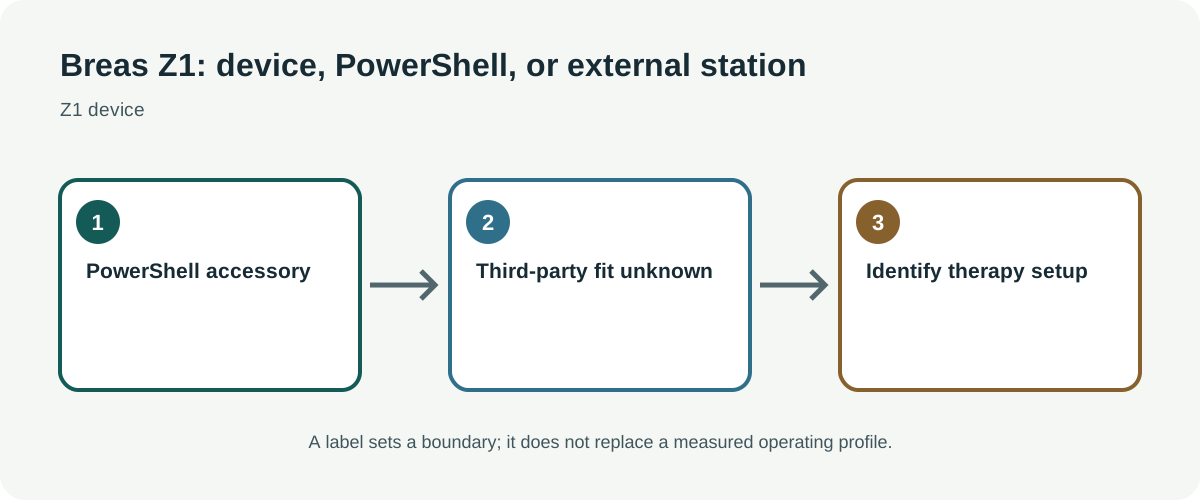
Keep the Z1 and PowerShell specifications in context
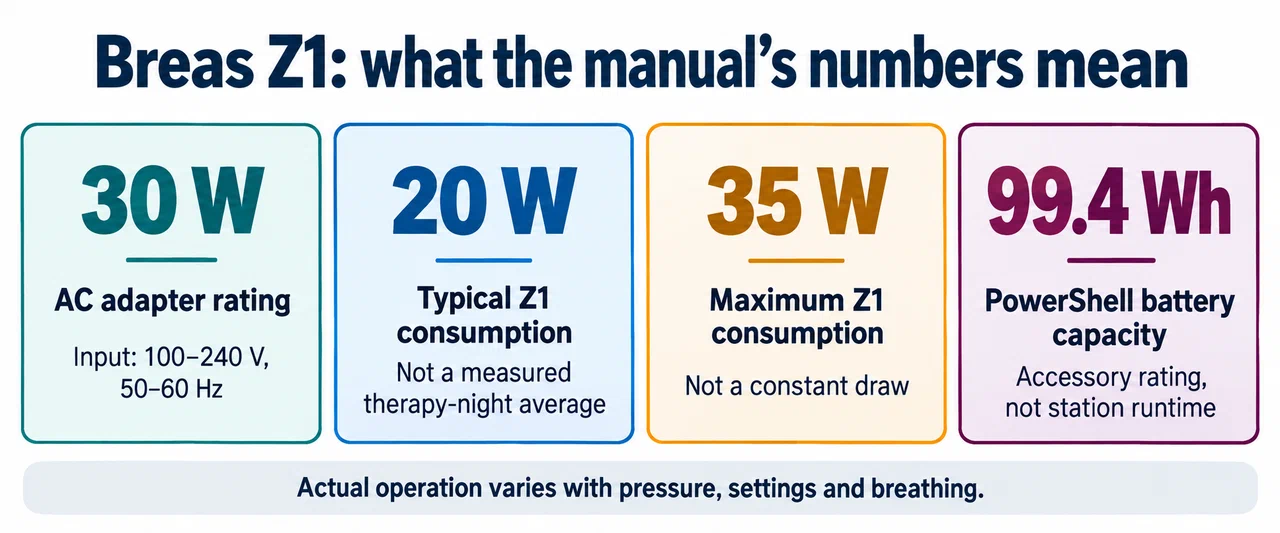
The Z1 manual lists a 30 W AC adapter with 100–240 V, 50–60 Hz input, 20 W typical consumption, and 35 W maximum consumption. It lists the PowerShell extended-life battery at 99.4 Wh. Its operating-time table varies with treatment pressure and Z-Breathe settings, and warns that actual operation varies with pressure, settings, and the user’s breathing. Those run times describe the named accessory and stated conditions, not station runtime.
Breas marks the Z Sleep travel CPAP line and PowerShell discontinued. Treat these as legacy model data; check the unit’s label, battery condition, and available manufacturer instructions. The manual says not to use the Breas supply, PowerShell, or battery to power another device. Do not use the accessory’s capacity or connector as a general-purpose output specification.
The 20 W typical figure is not a measured therapy-night average for every person, and 35 W maximum is not a fixed draw. Neither value can be multiplied by the night length to produce an exact energy need. Humidification or other accessories must be checked against the exact machine version and instructions rather than inferred from another CPAP model.
Confirm the complete power path
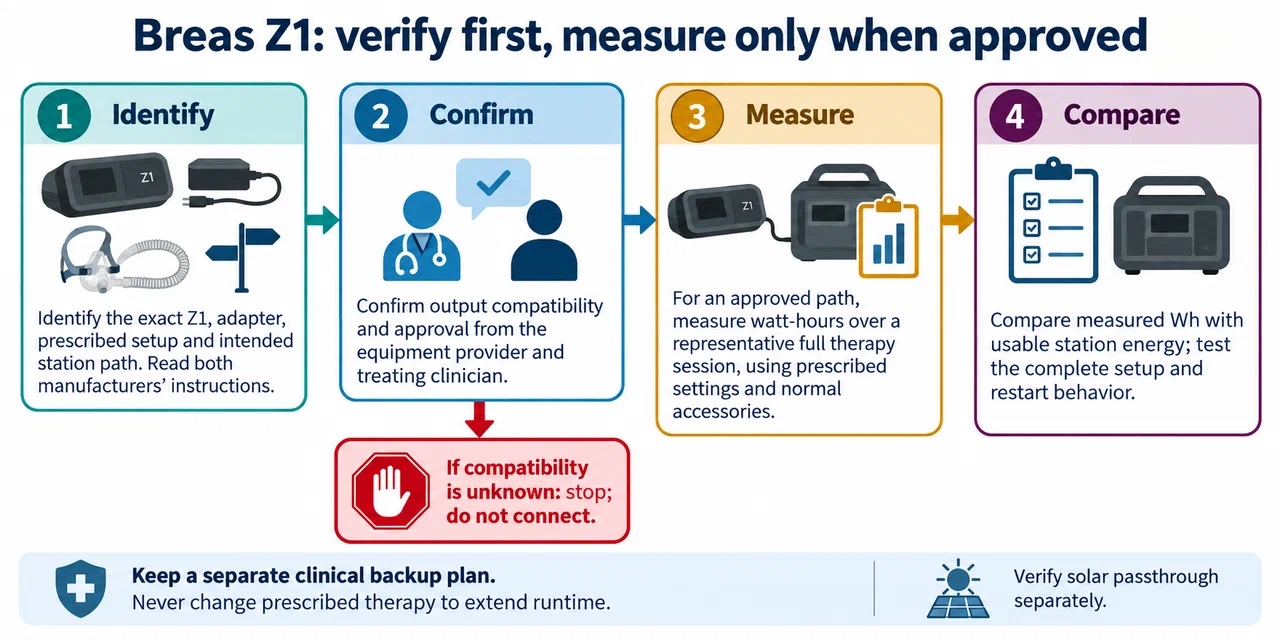
Read the Z1 and power-station instructions before connecting the machine. Verify the required voltage, polarity, current capability, plug, and any approved converter. A station’s AC receptacle may run the supplied adapter if both manufacturers’ instructions support that arrangement, but the Z1 manual does not certify a third-party station or direct-DC cable. Do not modify the adapter or substitute a connector based only on fit.
The station must maintain output through the full therapy interval and any restart or transfer event. Confirm low-battery alarms and shutdown behavior for the intended power arrangement. If the station is charged by solar or another source during use, verify the manufacturer’s simultaneous input/output limits; do not assume recharge passthrough preserves CPAP operation.
Measure and plan without changing therapy
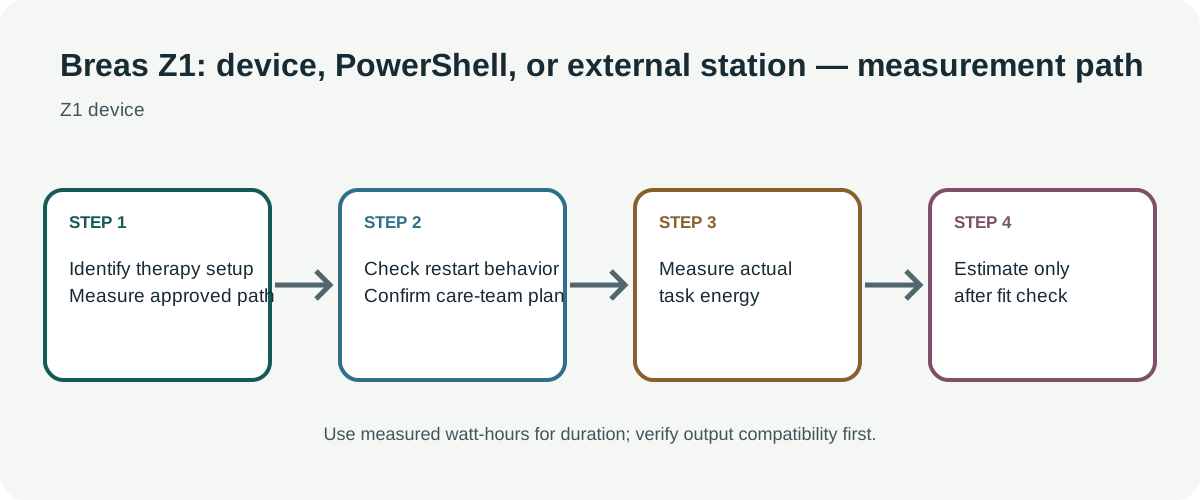
If the treating clinician and equipment provider approve the power path, measure watt-hours across a representative therapy session using the prescribed settings and normal accessories. Include the station’s AC or DC path exactly as it will be used. Record ambient temperature, pressure settings, mask configuration, battery age, and any humidification. A momentary watt reading is not session energy, and an adapter’s maximum rating is not an overnight average.
Compare measured energy with the station’s usable capacity for that output, then leave reserve for battery aging, cold, and uncertainty. Test the full setup before relying on it, without interrupting prescribed treatment. Do not turn off humidification, adjust pressure, or change therapy solely to extend runtime unless the clinician approves the change.
Medical backup needs a separate decision
A power estimate cannot certify clinical continuity. Ask the treating provider and equipment supplier what backup duration and approved power arrangements are appropriate. Keep another plan for a station fault, depleted battery, alarms, or an unavailable replacement accessory. For broader model boundaries, see the CPAP power guide; the Breas figures must not be transferred to AirSense, AirCurve, Philips, or other PAP systems.