ResMed AirSense 10 Power Station Runtime and Backup Checks
Understand AirSense 10 supply, typical and peak values, and named accessory paths without treating them as an overnight runtime or clinical approval.
AirSense 10 wattage figures can help identify the device and frame a measurement, but they do not answer how many hours a particular setup will run. That depends on the exact AirSense variant, therapy, humidifier and heated-tube use, approved supply path, station behavior, and actual station-side energy over the night.
Keep supply rating separate from consumption
ResMed’s American English AirSense 10 guide lists a 90 W power supply with 100–240 V, 50–60 Hz AC input and 24 V / 3.75 A DC output. It separately lists 53 W typical and 104 W peak power consumption. The 90 W supply rating is not a statement that the machine continuously draws 90 W. The typical value is not a measured watt-hour total for a night, and the peak figure is not a station surge test.
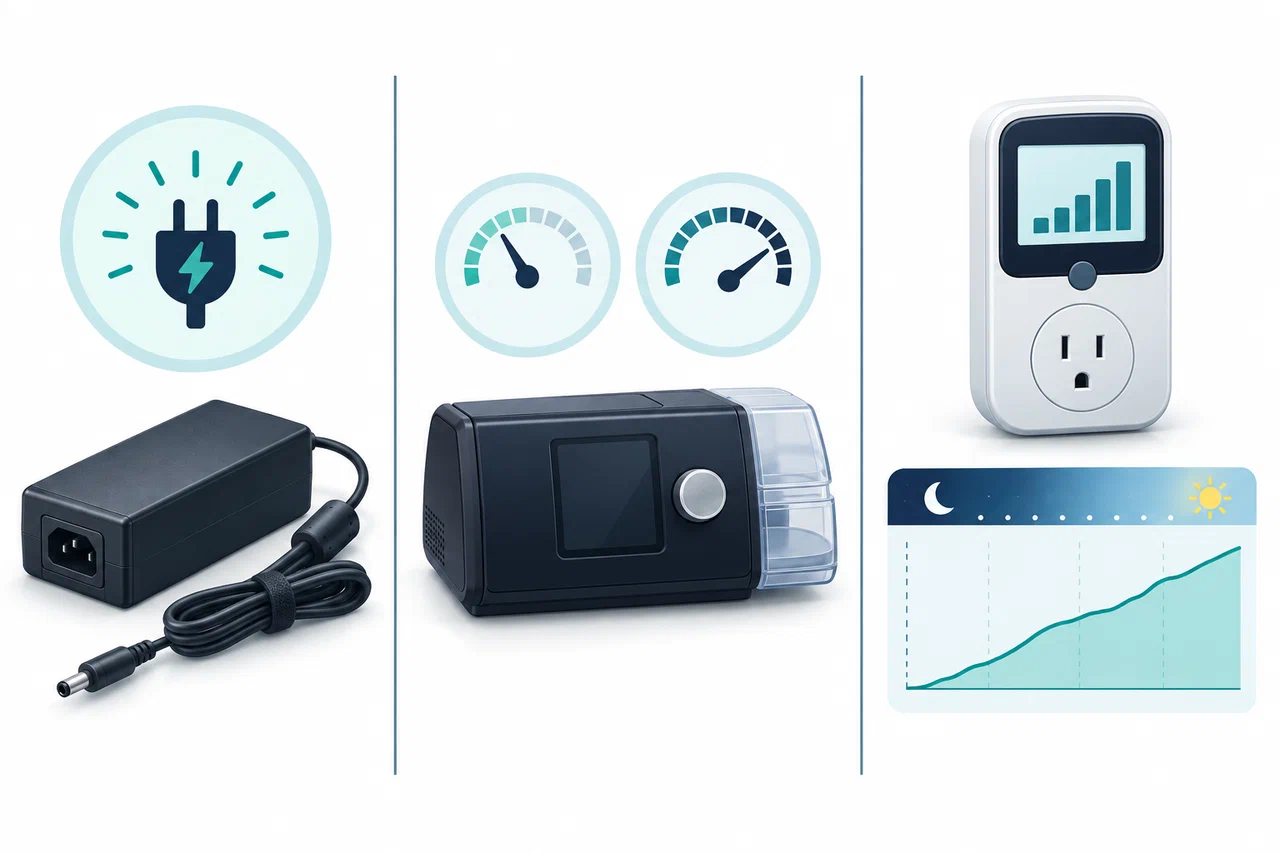
The guide identifies the Air10 DC/DC converter and Power Station II among accessories available through the care provider. That makes the accessory pathway device-specific. It does not approve an arbitrary 12 V cable, a particular third-party station, or every configuration with humidification. Confirm the exact part number and use case with ResMed and the equipment provider, especially if heated humidification or tubing is needed.
Measure the complete prescribed setup
Record the exact model, settings, humidifier state, heated tube state, mask and tubing configuration, regional power supply, and station output path. If your provider confirms the measurement is appropriate, measure Wh at the station while the device runs in the intended setup. Include the whole planned sleep period; a short reading during ramp or standby cannot stand in for therapy energy through the night.
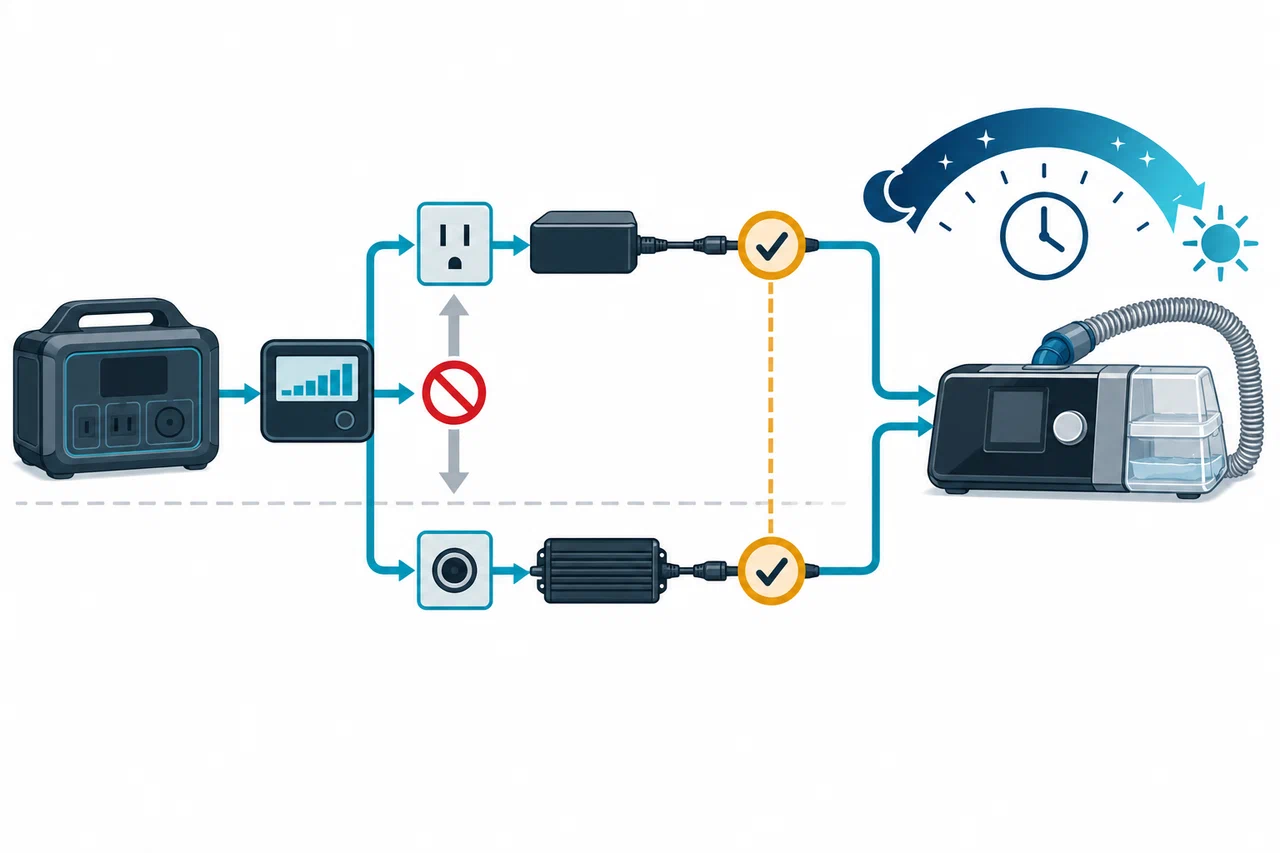
For a measured average, use usable station energy on the chosen output divided by the station-side average watts. For a measured night, compare the Wh consumed with usable capacity and preserve a reserve. Include inverter overhead, station low-load behavior, battery temperature, battery age, alarms, and unexpected duration. The arithmetic estimates electrical duration only.
Verify output and continuity
Check that station voltage and frequency match the ResMed supply, that continuous output is sufficient, and that the station does not shut down at low load or interrupt AC output during transitions. A nominal USB or DC connector is not an approved medical-device power path. Test the exact station, cable, supply, and therapy configuration before an outage with guidance from the care provider.
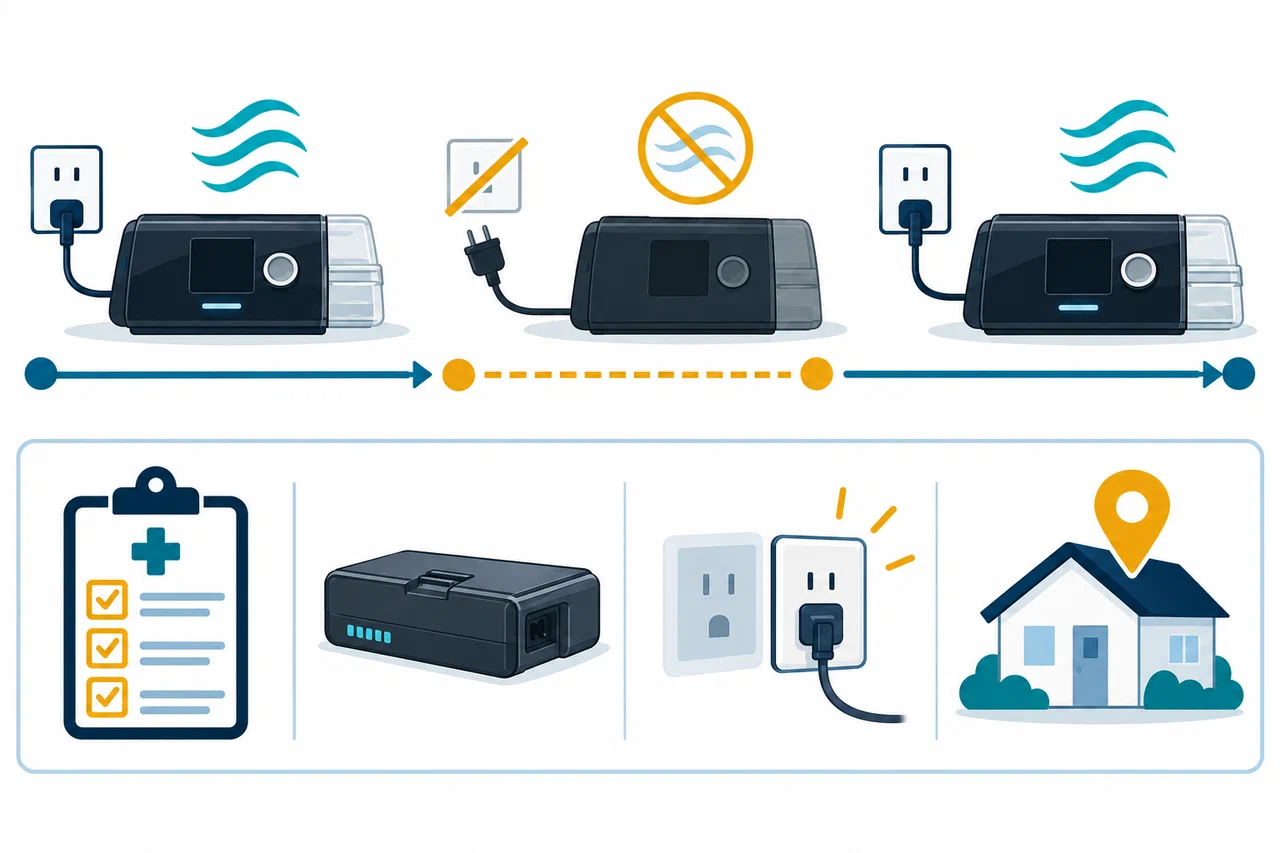
The guide states that AirSense 10 automatically restarts therapy when power is restored after an interruption. Restart behavior does not mean therapy continues without interruption while power is absent, nor does it establish that a particular station will transfer without a pause.
Put the estimate inside a medical plan
Ask the prescribing clinician or equipment provider what backup source and duration are appropriate. Identify a charged approved battery, alternate supply, or location to use if the station runs low or fails. Keep contact details and the device’s manufacturer instructions available. Do not change prescribed therapy or humidifier settings to improve runtime without provider guidance. If a model number or accessory path cannot be confirmed, resolve that first; do not treat the broad AirSense 10 family as one interchangeable electrical configuration.