BLUETTI AC180 and AC180P Identity and Compatibility
Keep the BLUETTI AC180 and AC180P as separate models while checking capacity, output, solar input, runtime assumptions, and backup-mode limits.
Check the nameplate before using a specification for an AC180-family station. BLUETTI AC180 and AC180P are separate products with separate manuals. They share an 1,800 W rated AC output and 2,700 W surge figure in the cited manuals, but their battery capacities differ: AC180 is 1,152 Wh and AC180P is 1,440 Wh. Do not average the capacities or use one model’s runtime assumptions for the other.
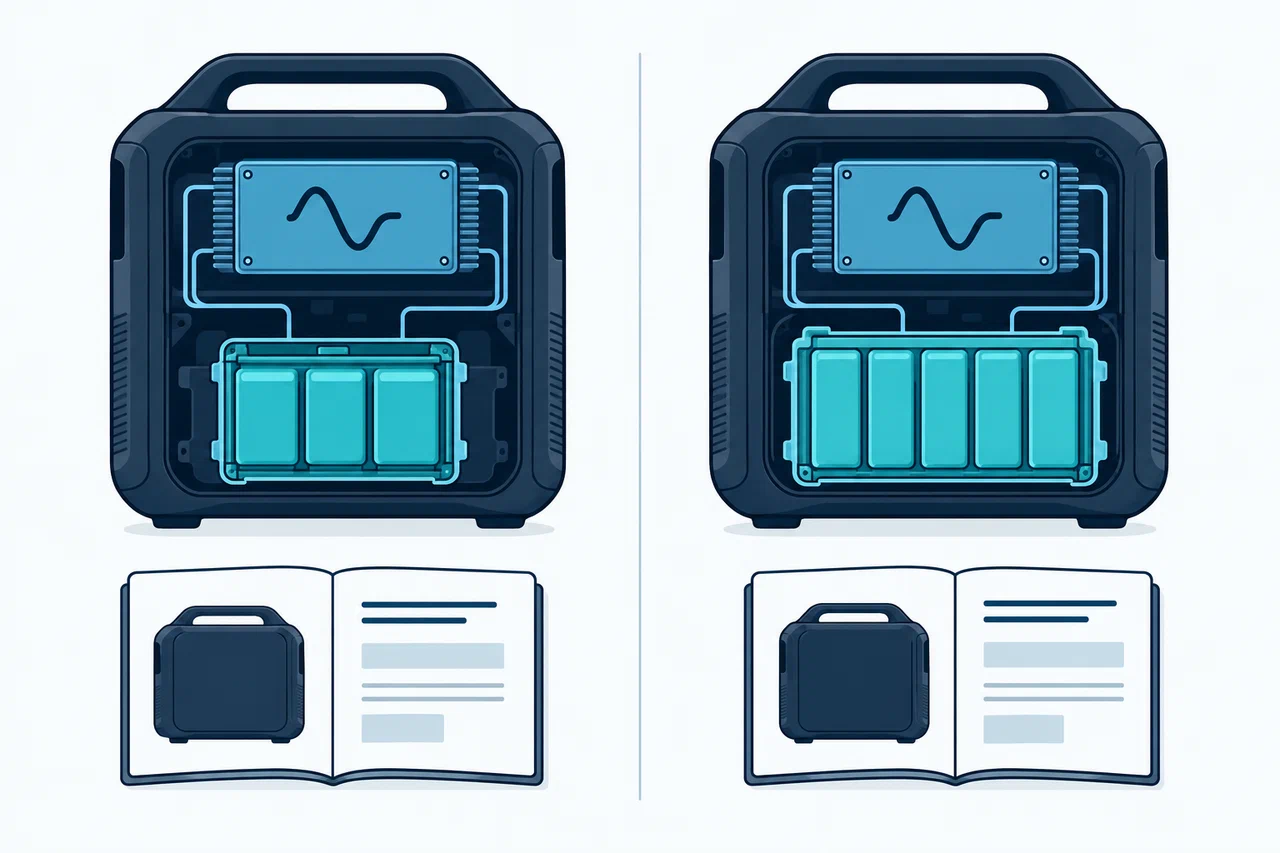
Keep the records separate
| Model | Nominal capacity | Rated AC output | Source-specific notes |
|---|---|---|---|
| AC180 | 1,152 Wh | 1,800 W total; 2,700 W surge | Manual lists 12–60 V, 500 W maximum DC input and an MC4 solar connection |
| AC180P | 1,440 Wh | 1,800 W total; 2,700 W surge | Manual has its own runtime estimate, ECO thresholds, and operating details |
These figures do not establish a complete market or firmware matrix. Confirm the regional unit, outlet arrangement, manual revision, and current support information. A shared output rating does not establish shared USB ports, charging behavior, accessories, expansion support, or UPS performance.
Check load behavior, not only watts
Compare a load’s rated demand with 1,800 W total and the exact port limits. A 2,700 W surge is a separate peak rating, not a continuous allowance. The AC180 manual describes Power Lifting for high-drain pure resistive loads such as heaters. In that mode the rated output remains 1,800 W; the feature does not make the AC180 suitable for any load whose label is below a temporary headline number.
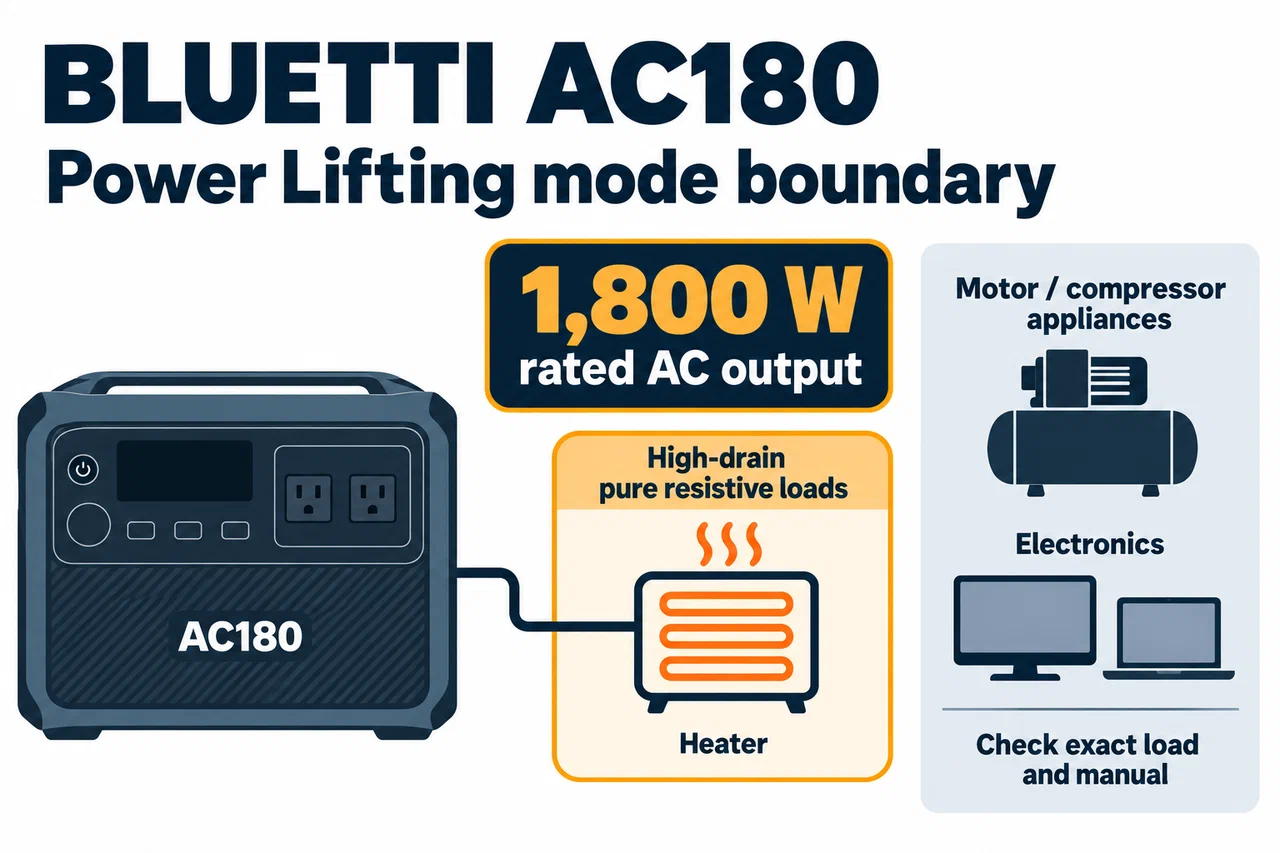
BLUETTI’s AC180 FAQ says the runtime formula is not suitable for inductive compressor loads such as refrigerators and air conditioners. Startup peaks, cycling, waveform requirements, and a station’s own consumption can all affect the result. Check an appliance’s actual input data and manufacturer guidance rather than treating a nominal capacity divided by running watts as a promise.
The AC180 manual also describes ECO mode, which can shut AC or DC output down after a period at low or no load. For a small device, a router, or a cycling appliance, check whether the relevant mode stays enabled and whether the threshold can interrupt operation.
Verify charging compatibility
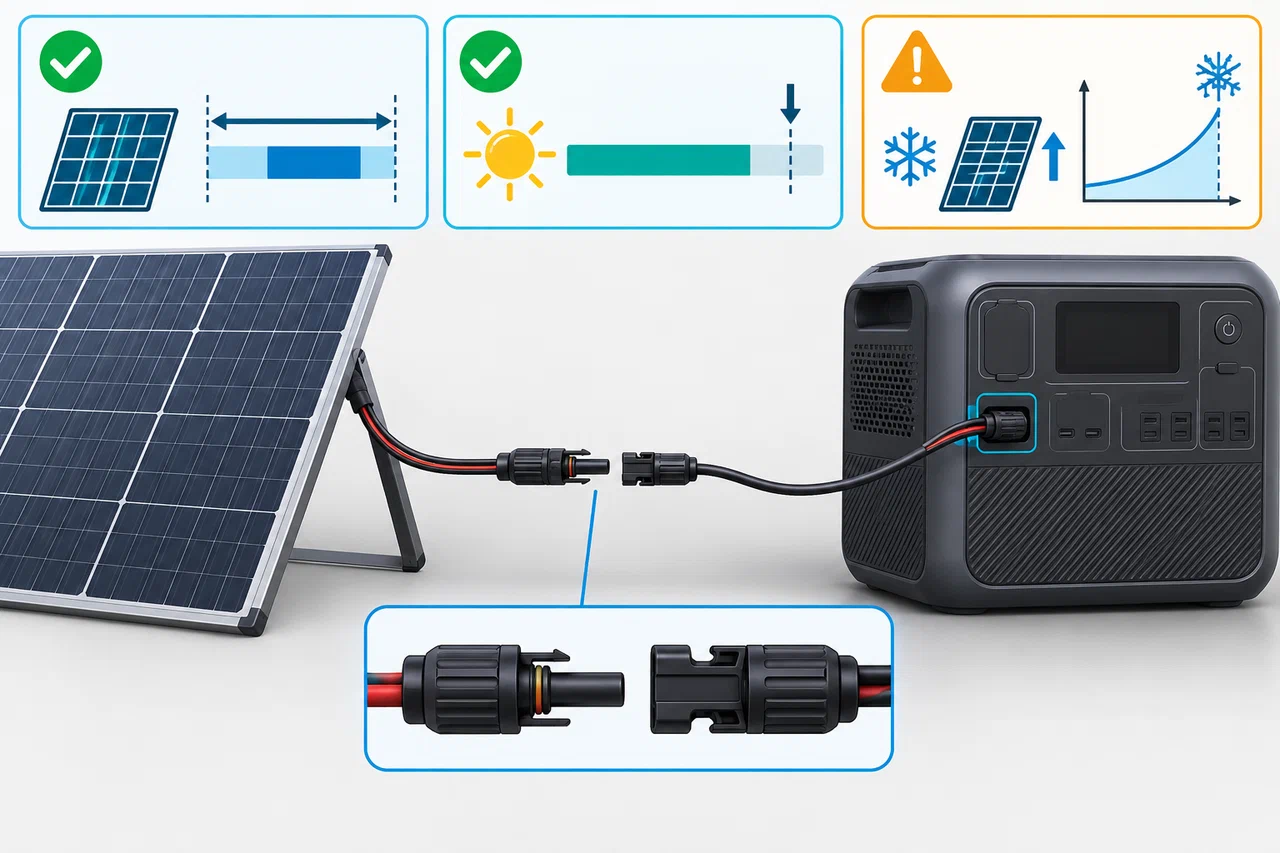
The AC180 manual lists up to 500 W DC input, a 12–60 V range, and an MC4 interface. Check the panel array’s open-circuit voltage, operating voltage, current, and connector against the exact manual, with cold-weather voltage rise in mind. The manual warns against exceeding 60 V open circuit and against mixing different panel types. Matching the wattage or fitting a plug is not enough to establish safe compatibility.
The AC180 supports pass-through charging, but that only says charging and output can happen together. It does not promise a no-break transfer during an outage. For UPS use, the manual says to turn Grid Enhancement off because the setting can make switching slower and may prevent instant emergency output. Test the actual device and setup; do not rely on the word “pass-through” as a transfer-time guarantee.
The AC180P manual contains a separate runtime estimate using its own stated assumptions, including 90% depth of discharge, inverter efficiency above 85%, and about 15 W self-consumption for small loads. Treat that as a model-specific estimation method, not measured usable energy or a universal coefficient. Do not transfer it to AC180 without a source that specifically applies to that model.
For a fair comparison, record the model, market, manual version, source date, and every output or input field beside its value. If a specification is silent, mark it “not specified”; if firmware, accessories, or regional behavior is unresolved, mark it “requires verification.” Use the exact identity guide and specification decoder to keep those boundaries clear.