Check Direct-DC Cables, Adapters, and Power-Path Compatibility
Verify voltage, current, polarity, connector, cable, and device approval before powering a load directly from a station.
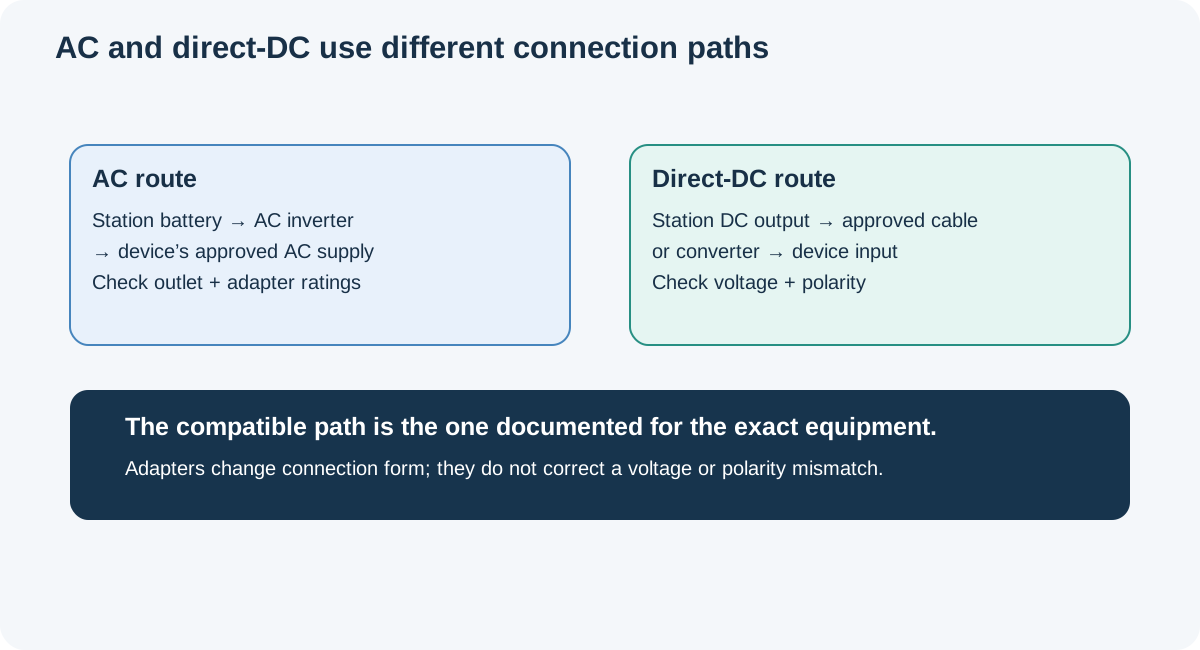
A direct-DC connection can avoid an AC conversion stage, but only when the station, cable, adapter, and device are designed to work together. A plug that fits or a “12 V” label is not enough. Voltage range, polarity, current, power, regulation, connector pinout, and cable rating all matter, and the exact equipment makers set the compatibility rules.
Make a four-part comparison
Read the device’s input label and manual, then the station’s output specification and the cable or converter documentation. Record the device’s required voltage and current, whether the supply must be regulated, connector dimensions and polarity, and any startup or surge requirement. For the station, check the exact output port’s voltage profile, continuous current, power ceiling, protection behavior, and whether it is an output rather than a charging input.
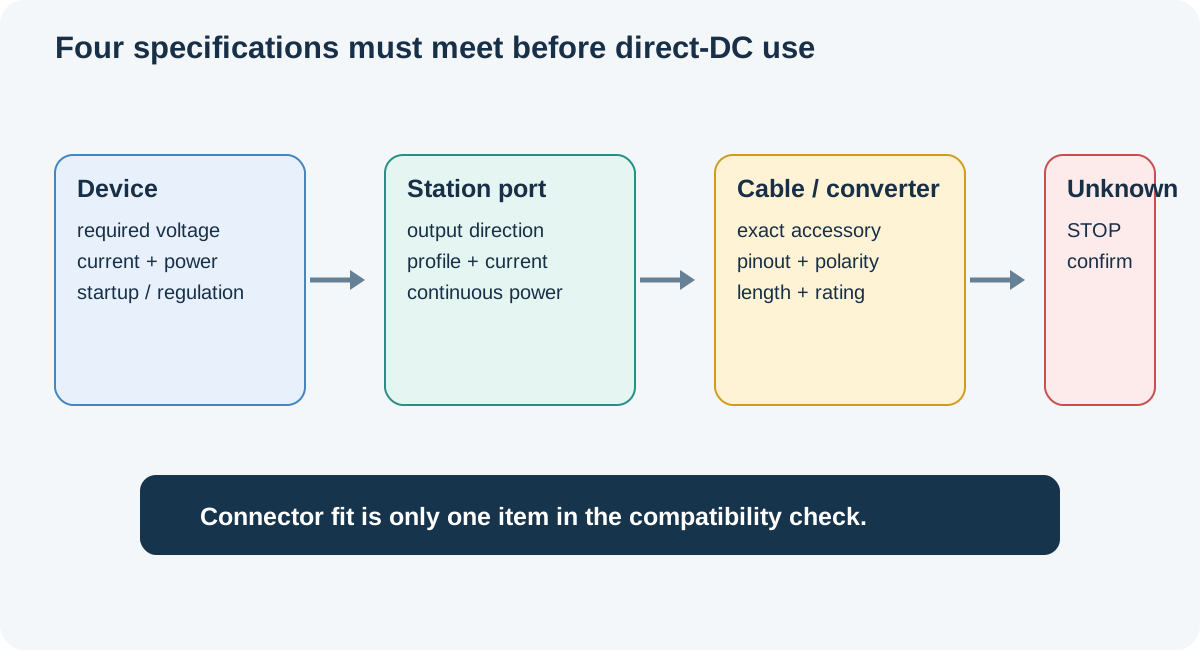
Next match the cable and adapter. Confirm conductor and connector ratings, length, fuse or current protection, strain relief, and environmental limits. An adapter that changes plug shape may preserve the same voltage and polarity; it does not regulate a supply or make it suitable for the device. USB-C Power Delivery is negotiated according to supported profiles, cable rating, and device requirements, so a USB-C socket alone is not a wattage guarantee.
Keep exact examples with their devices
ResMed’s AirSense 11 user guide specifies a 24 V DC, 2.71 A power supply. ResMed’s Power Station II guide identifies its own DC converter and supply requirements. Those sources do not approve an arbitrary power-station 12 V port or third-party adapter for the AirSense 11. Because this is medical equipment, use the exact ResMed supply or accessory and obtain manufacturer guidance for the intended configuration; this page does not assess clinical suitability.
Starlink’s Mini USB-C cable support page gives a separate example: the named Mini cable requires a 100 W, 20 V/5 A source and is for Starlink Mini, not the Gen 3 Router. That is a cable-specific requirement, not a rule for all USB-C devices. A Dometic CFX3 support page lists its own 12–24 V DC requirements. The different examples show why a shared nominal voltage does not establish a shared cable or device pairing.
Stop when a required value is missing
Do not connect if voltage, current, polarity, pinout, cable rating, or device approval cannot be confirmed. Do not test polarity by trial and error, bypass a protection feature, or improvise a cable for medical or safety-critical equipment. Check the station and device manuals together, and ask their manufacturers with the exact model and accessory identifiers when the specifications disagree or omit a needed detail.
For panel-side connector and array checks, see the series and parallel guide. For extension-cable and meter choices, use the accessory measurement guide.
Key Points
- Match exact voltage, current, polarity, connector, cable rating, and device approval.
- A connector adapter changes fit but does not correct an electrical mismatch.
- Input ports and output ports serve different directions.
- Use the approved supply and accessory path for medical and other critical equipment.