Power Starlink Mini During an Outage or Trip
Use the Starlink Mini's model-specific input and consumption figures to plan a compatible power path without assuming internet service or station approval.
The Starlink Mini has a model-specific DC input and published power figures, so start with its own specification sheet rather than a generic estimate for a Starlink terminal. The published average consumption is a useful energy-budget input, but it does not guarantee a particular session length, station compatibility, or internet availability.
Use the Mini’s exact published requirements
Starlink’s Mini specification sheet lists average power consumption of 25–40 W and an input rating of 12–48 V, 60 W. It also specifies a 100 W, 20 V/5 A minimum USB Power Delivery requirement when using Starlink’s named USB-C-to-barrel-jack cable accessory. Those are Mini-specific equipment figures. They do not apply to Standard, Performance, or other Starlink generations.
For a planning estimate, multiply a measured or suitable expected average draw by the hours you expect the terminal to run. As a first illustration only, a four-hour session at 30 W would use 120 Wh before station conversion losses and any other connected load. Replace that illustrative figure with your own use pattern, then include the station’s conversion overhead and remaining reserve. The Mini’s input rating is not a guarantee that a station with a matching voltage range will work.
Verify the complete DC path
Before connecting anything, compare the terminal specification, named cable or power supply, station output voltage and current, connector, polarity, USB-PD profile, and cable rating. A physical barrel plug or broad voltage range alone does not prove compatibility. If using AC, include the supplied AC power path and station inverter behavior. If using a DC output, use only a path approved by the equipment manufacturers and confirm that the port can supply the required current continuously.
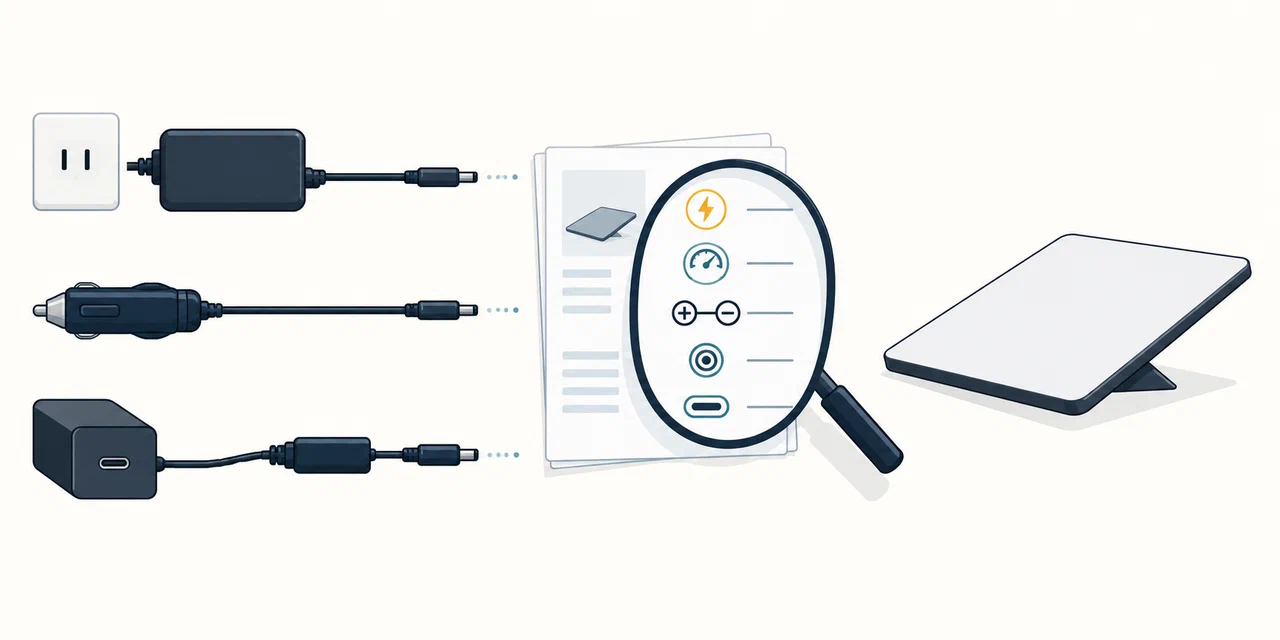
The Mini’s specification describes the terminal, not every travel condition. Check temperature, weather exposure, cable installation, mounting, obstruction, and the exact accessory requirements in the live manufacturer instructions. Do not assume that a third-party cable, vehicle socket, USB-C port, or station adapter is approved just because its label appears sufficient.
Budget the rest of the connection
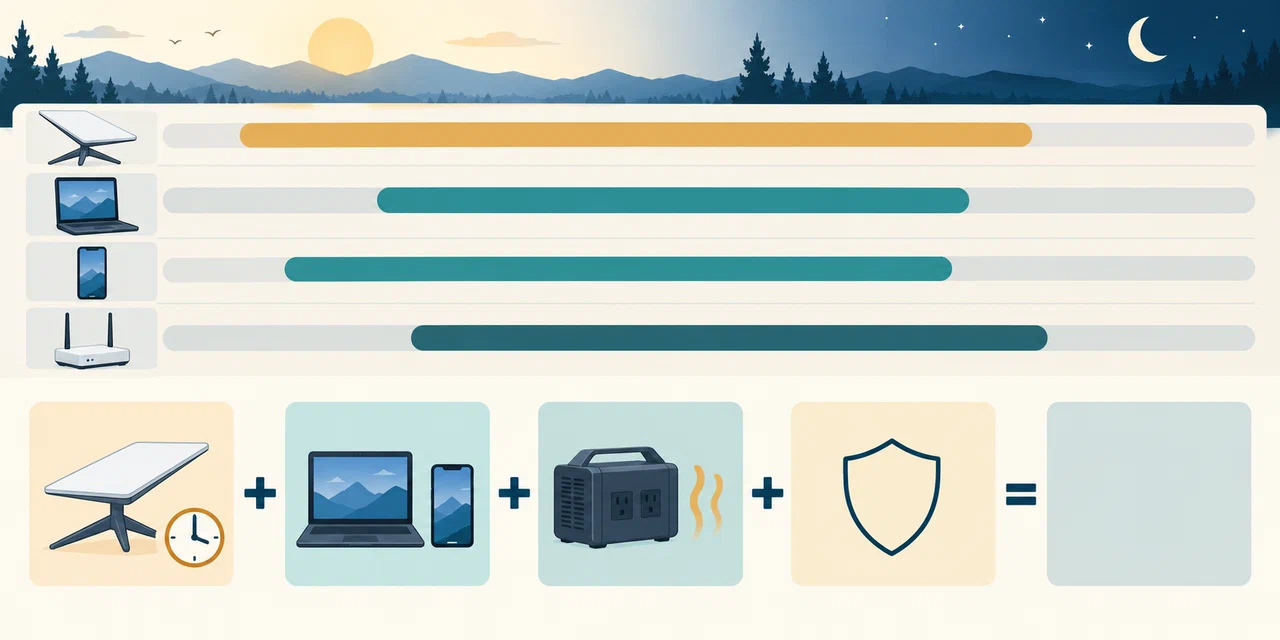
The Mini includes Wi-Fi, but your work session may also need a laptop, phone, display, or another network device. Put each one in a separate row and decide which can run from its own battery. Test the whole setup for the intended work window. A working terminal still depends on service coverage, obstructions, account/service conditions, and any network or power interruption beyond your equipment.
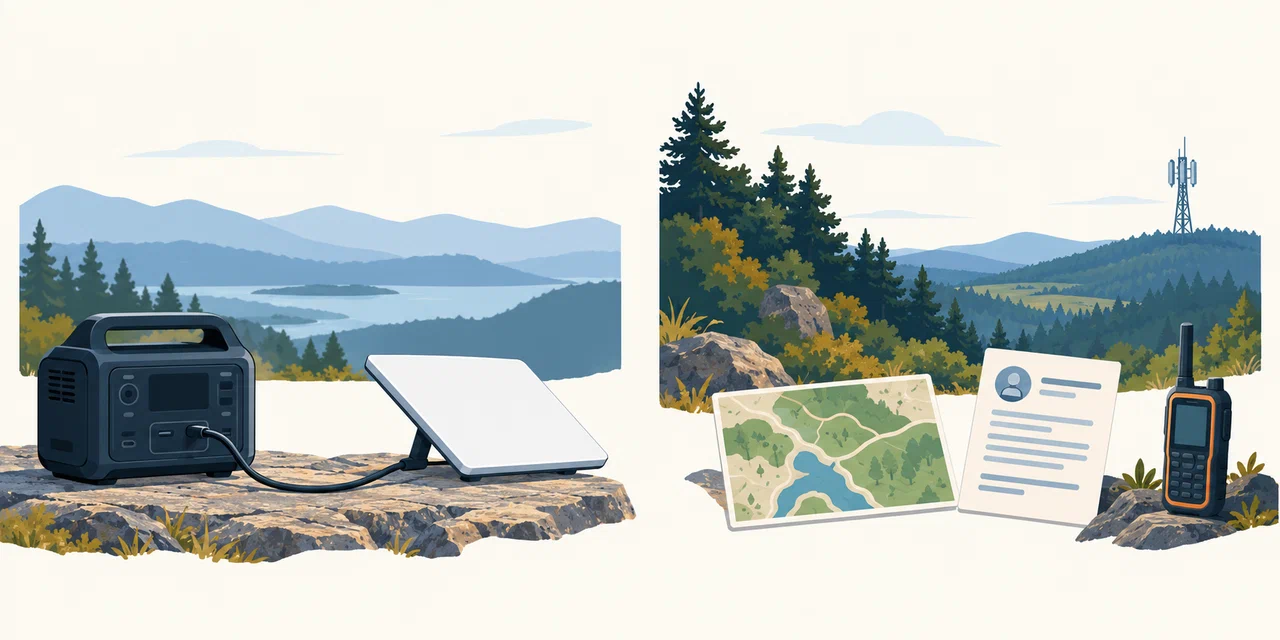
For travel, include vehicle charging limits, solar conditions, weight, and a fallback if charging is delayed. For home outages, keep a separate route for emergency information and calls; satellite internet is not a guaranteed emergency-service connection. See the remote-work plan and RV/camping plan, then compare the exact station model and runtime method.