PS5 Runtime from a Portable Power Station
Estimate PlayStation 5 session energy from the exact console state and connected display, not from the console’s maximum rated power.
A gaming setup may include a console, display, router, speakers, and charging accessories. Runtime depends on the combined energy of the chosen setup and how the console is used. A console’s maximum rating is a compatibility boundary, not a prediction of average gameplay consumption.
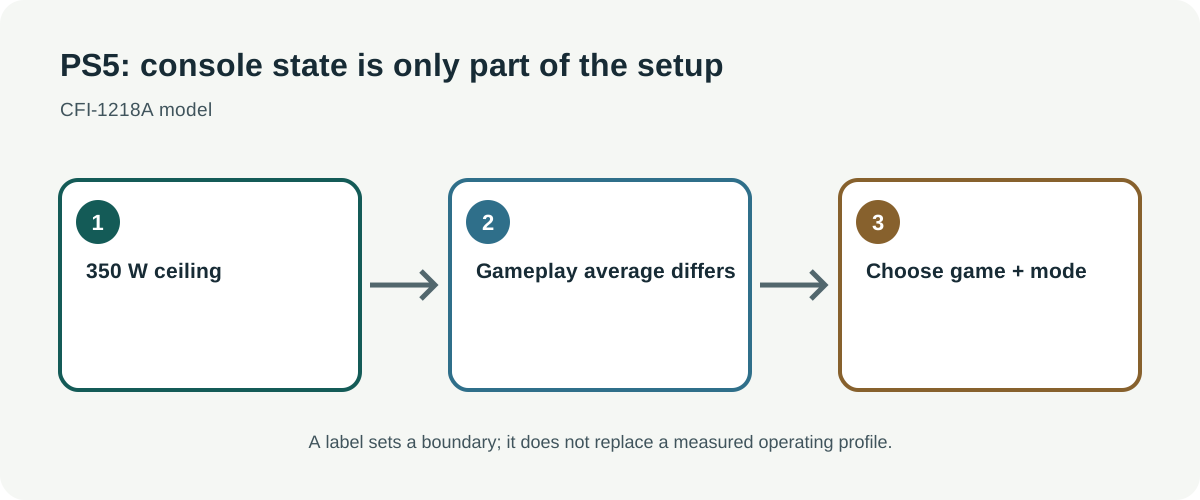
The CFI-1218A rating is not an average
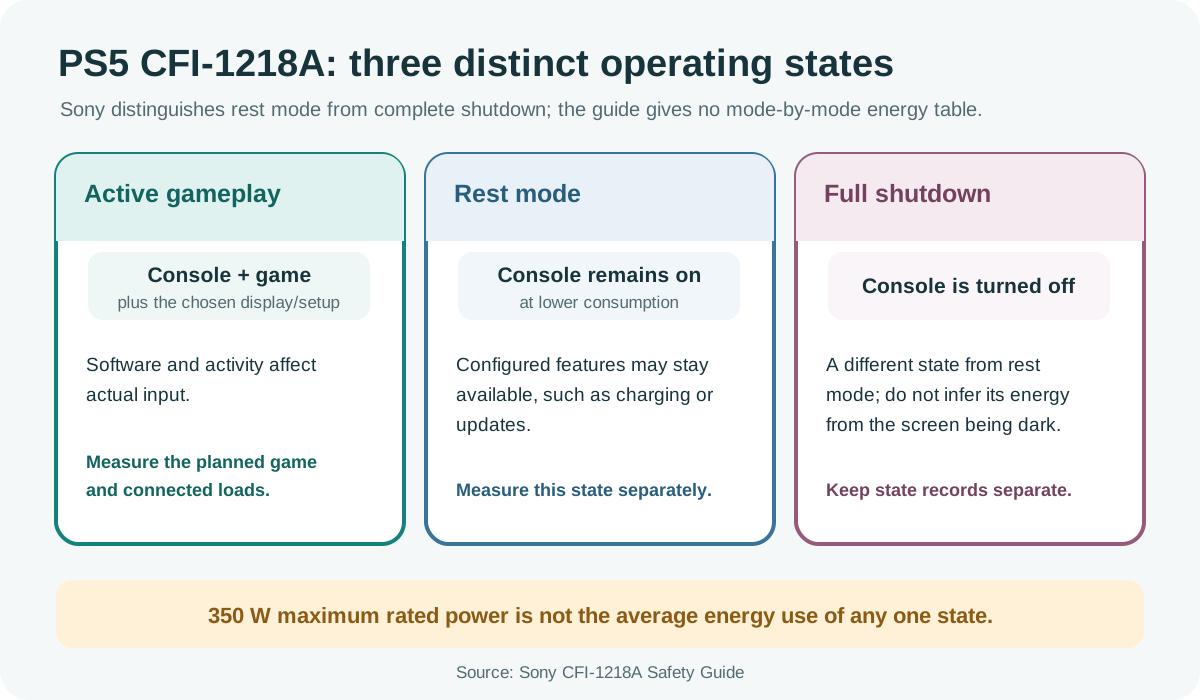
Sony’s CFI-1218A safety guide lists 110/220–240 V input, 50/60 Hz, and a maximum rated power of 350 W. It distinguishes rest mode, in which configured features such as controller charging or updates may remain available, from complete shutdown. The guide does not provide a mode-by-mode gaming energy table. Software, game activity, connected devices, and console state can affect actual input.
These facts apply to the named PS5 model. Check the rear label and regional manual for your console revision. Do not treat the 350 W maximum as a typical gaming draw, and do not infer low-power behavior from the screen being off. Rest mode can keep selected functions active; full shutdown is a different state.
Count the full entertainment setup
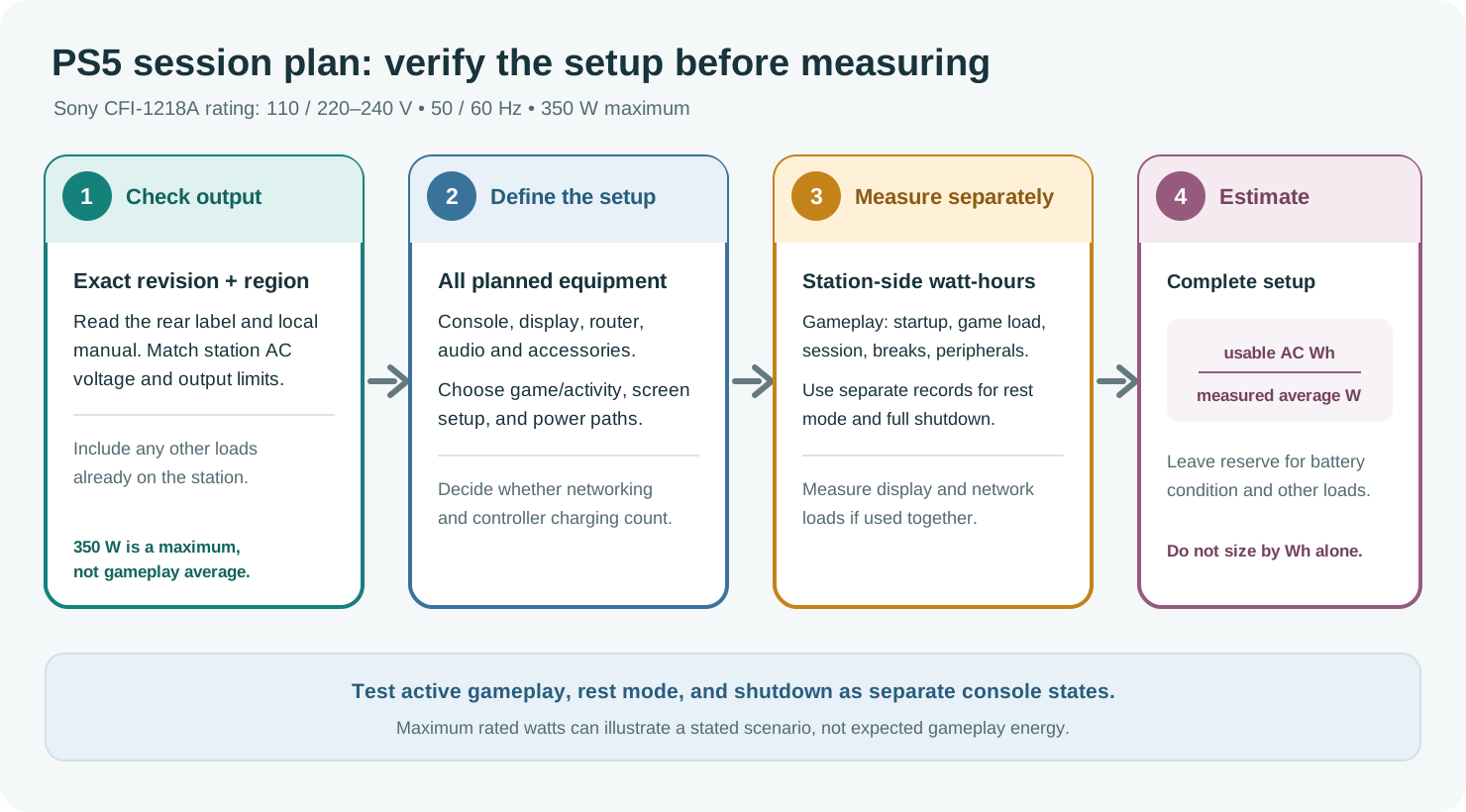
Verify that the station’s AC output matches the console’s local voltage and can supply its operating load. Include its output limit and waveform guidance, and avoid running the console through an unsupported extension or improvised wiring. If charging controllers from the console or station, decide which power path will be used. A large battery does not guarantee that the inverter can start every connected device at once.
The display is often a separate load. Add the television or monitor, router, audio system, and any streaming device when planning a full gaming session. Measure them individually if the station will power them at the same time. Do not include the console’s 350 W maximum and then assume that is the whole setup; nor should you omit the display when it is essential to playing.
Measure the mode you plan to use
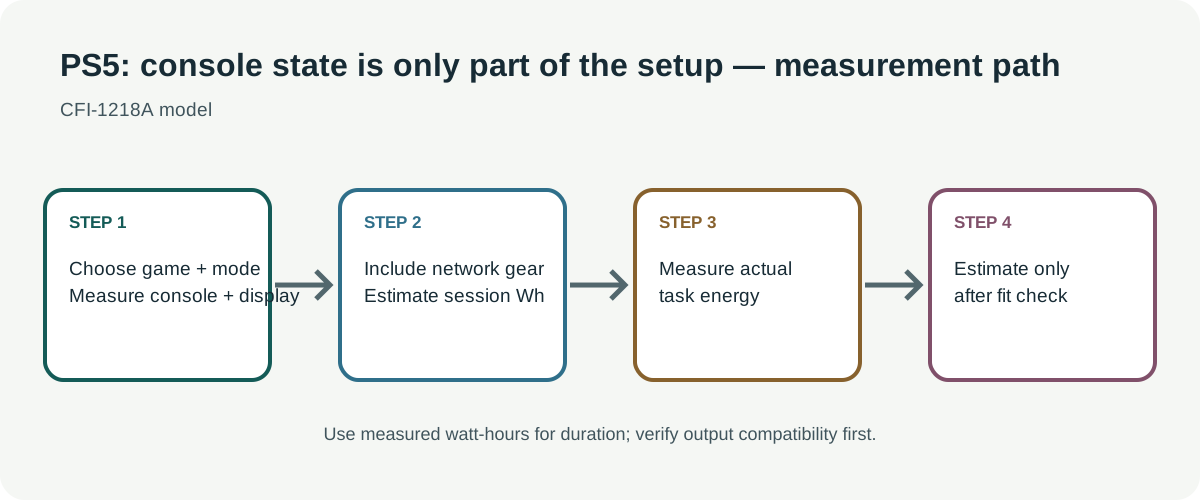
Record station-side Wh during a representative gameplay session, including console startup, game load, controller charging if applicable, and breaks. Record the model, game or activity, display, screen brightness, audio setup, and whether network equipment is on the same station. Measure rest mode separately from active gaming and full shutdown. A brief menu reading may not reflect a demanding game or a long session.
Estimate session length as the station’s usable AC energy divided by measured average station-side watts for the complete setup. Leave reserve for battery condition, display variation, network equipment, and output cutoff. If no measurement is available, a scenario using the maximum rated power can illustrate an upper-load case only; it should not be labeled expected gameplay runtime.
Choose which loads matter during an outage
If the station also powers communications or medical equipment, prioritize those needs before entertainment. The console’s runtime should be a planned discretionary load, with a way to save progress or shut down safely if the station approaches its reserve. Do not rely on remote services being available merely because the console stays powered; internet access and household networking require their own power and provider availability.