Nebula Capsule 3 Laser Runtime and Charging from a Portable Power Station
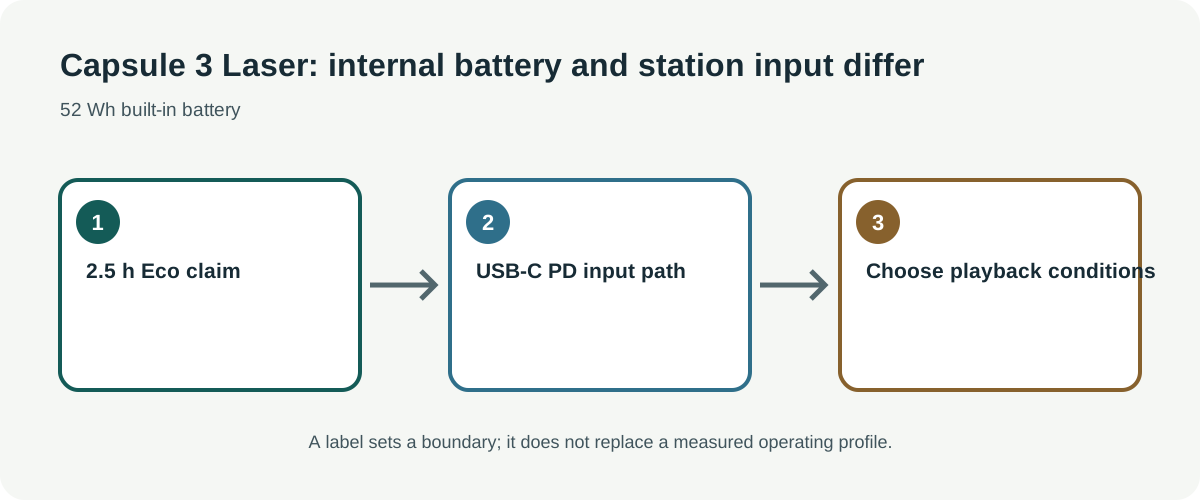
Separate the Capsule 3 Laser’s built-in battery claim, USB-C charging input, and speaker output before estimating an external station’s contribution.
The Nebula Capsule 3 Laser already includes a battery, so its advertised playback duration and an external power-station runtime are different questions. A station may supply charging energy if the USB-C Power Delivery path matches, but the available evidence does not establish how long the projector runs directly from a station or whether it can operate while charging in every mode.
Read the D2426 listing carefully
Anker’s Canadian listing for the Nebula Capsule 3 Laser, model D2426, specifies a 52 Wh built-in battery and advertises 2.5 hours of video playback in Eco mode. It lists USB-C Power Delivery input at 20 V / 2.25 A, which corresponds to 45 W from those stated values. The listing separately gives an 8 W built-in speaker output. That speaker figure is not electrical input for the projector, and the Eco-mode battery claim is not a measured load profile for an external station.
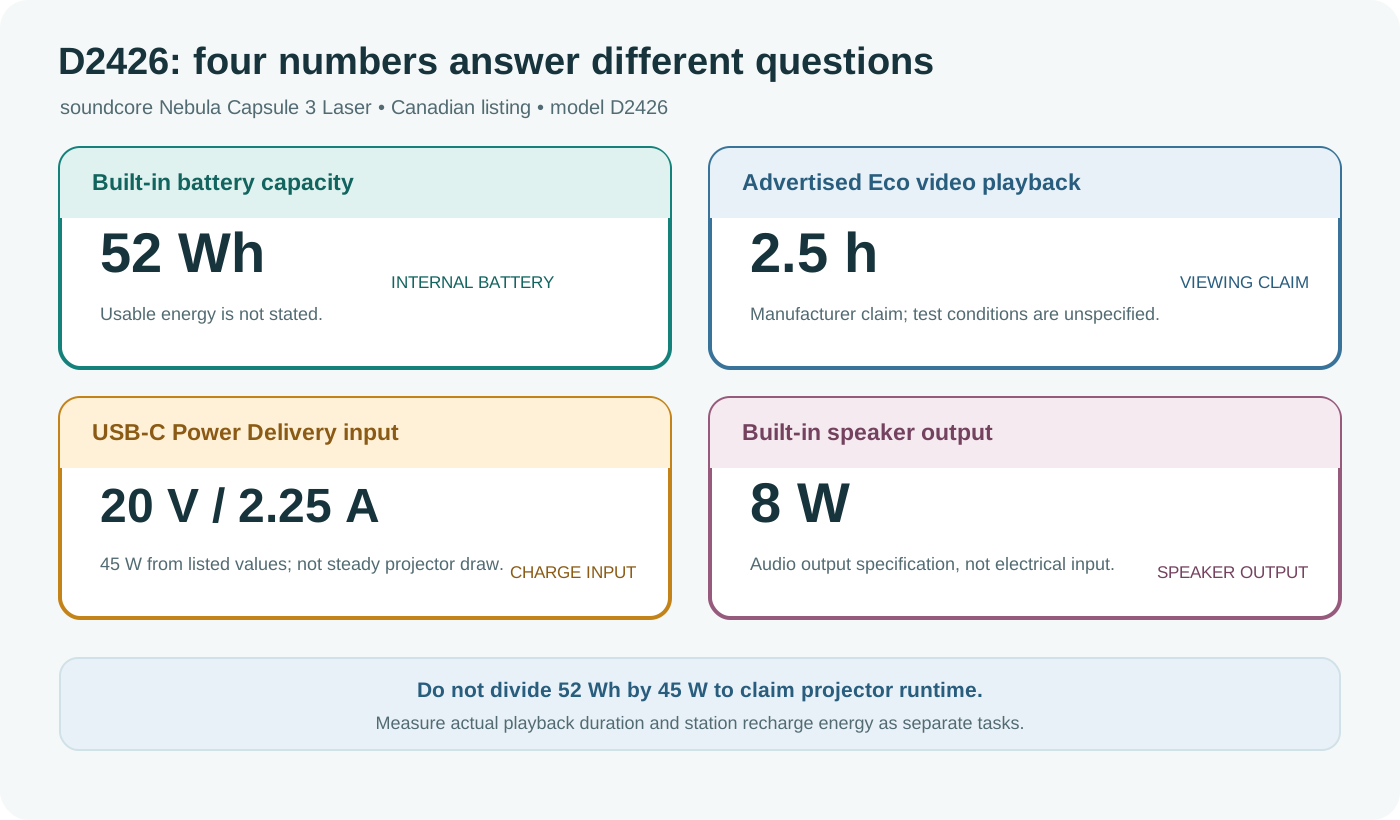
The advertised playback time does not state brightness, media, network use, speaker volume, battery age, or the remaining-charge threshold. Do not transfer it to the non-Laser Capsule 3, another revision, or a station-powered setup. Confirm the model marking and the exact charging requirements on the device and current manual.
Check USB-C Power Delivery compatibility
A station’s USB-C socket must support the required Power Delivery voltage and current profile, with a suitable cable. A port labeled with a high maximum wattage does not prove it offers 20 V on that connector or negotiates the correct mode. The product page also gives a separate FAQ recommendation of at least 30 W; retain the explicit 20 V / 2.25 A input specification for power budgeting and confirm the manufacturer’s current guidance for an appropriate charger.
Do not substitute the station’s AC outlet calculation for the USB-C path. USB-C conversion may have different efficiency and shutdown behavior from AC. Check whether the station permits simultaneous solar or AC input and USB output, and whether low-load cutoff affects a projector at reduced brightness. Never assume passthrough is uninterrupted unless both manufacturers document the arrangement.
Measure viewing time and recharge separately
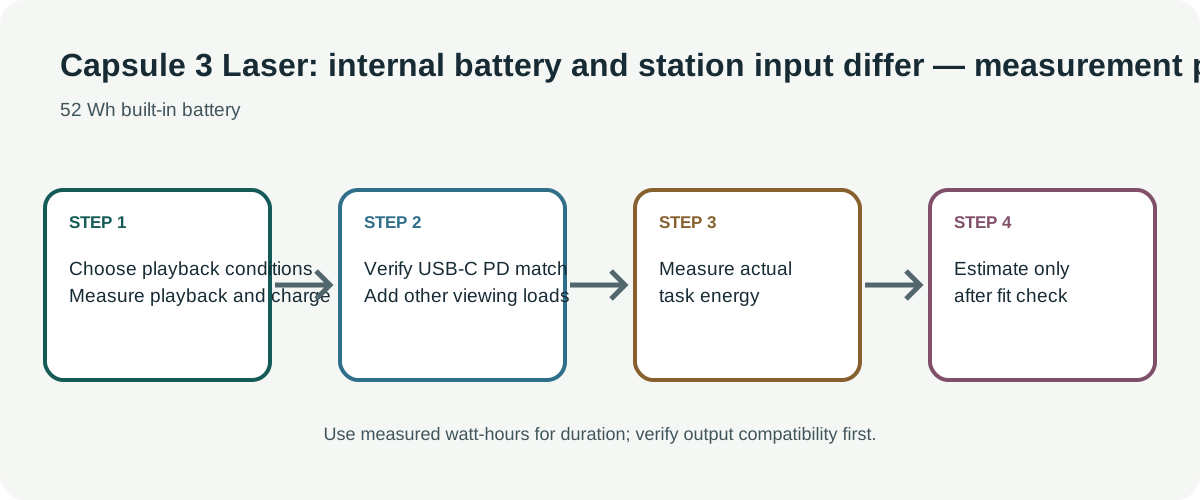
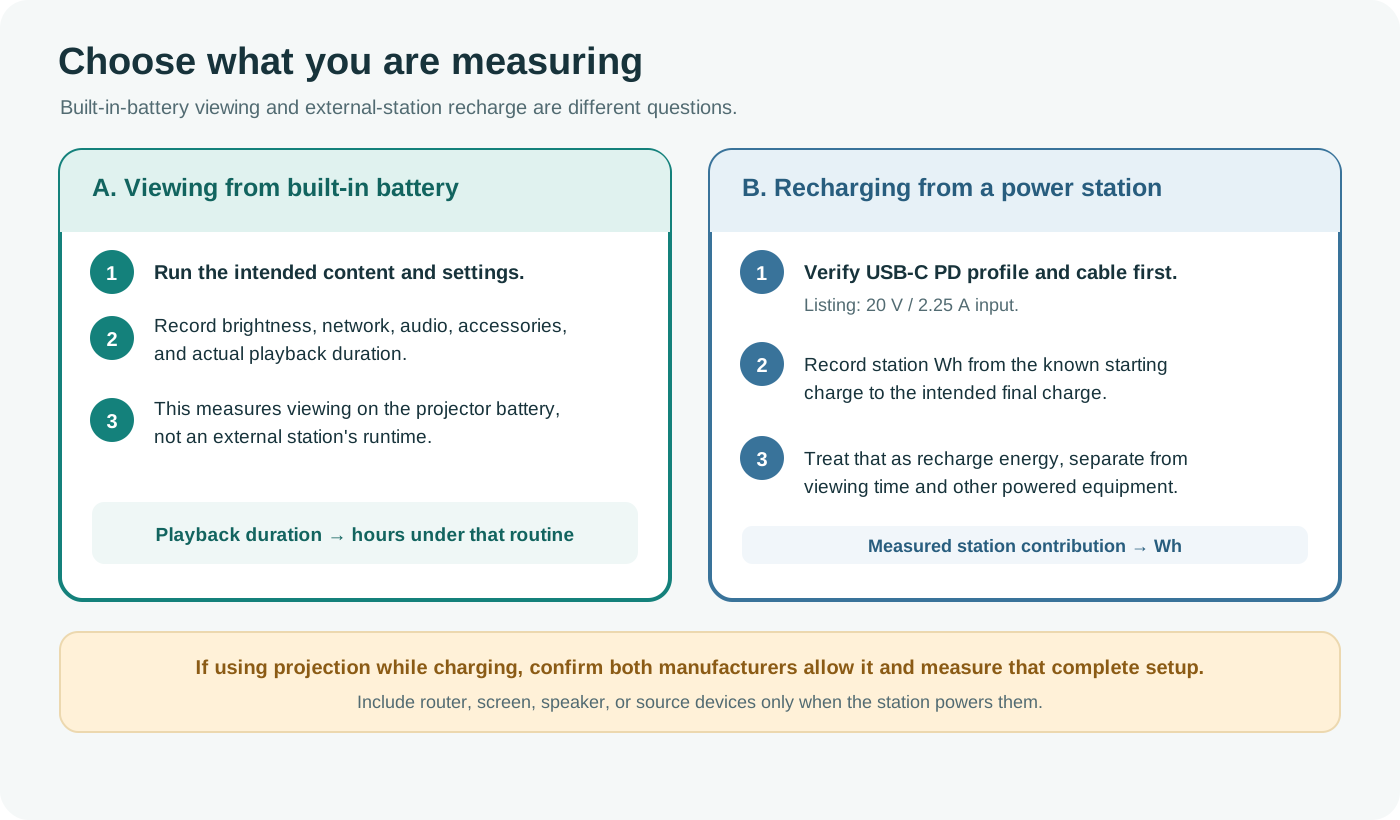
For built-in-battery viewing, record actual duration with the intended brightness, content, network connection, audio level, and accessories. For station charging, measure station-side Wh used to recharge the projector from a stated starting charge to the intended final charge. These measurements answer different questions: viewing energy can be consumed by the internal battery, while the station’s contribution is the recharge energy and any separately powered accessories.
If you use a compatible USB-C output during a planned session, measure that complete setup and confirm whether charging and projection can occur together. Do not divide 52 Wh by 45 W and call the result runtime; 52 Wh is listed battery capacity and 45 W is a maximum input derived from voltage and current, not the projector’s steady operating draw. Allow for power conversion and reserve.
Include the rest of the viewing setup
A streaming source, Wi-Fi router, speakers, or screen can add separate loads. Include only the equipment powered by the station, and measure it with the projector. A built-in battery and its advertised Eco playback may reduce the need for an external supply, but do not establish that a session will last 2.5 hours under every condition. Keep access to downloaded media or another viewing plan if the station or network becomes unavailable.